Screenshots
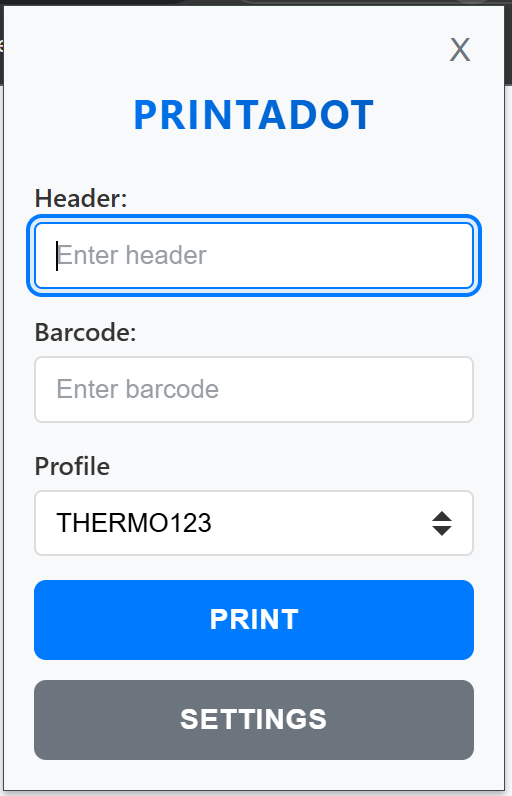
Popup — quick printing from toolbar
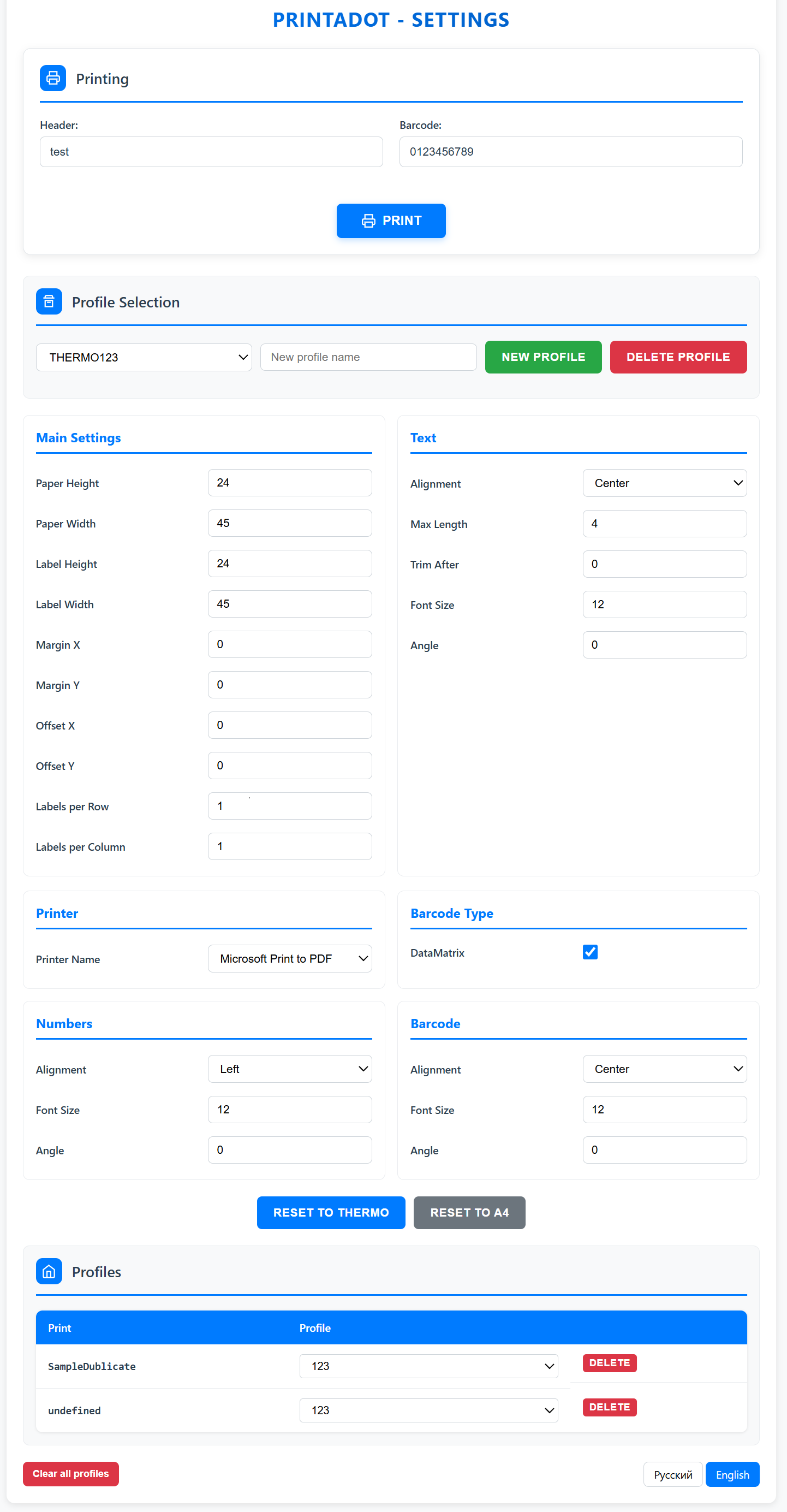
Settings — comprehensive profile configuration
Chrome extension for printing barcodes with customizable profiles, label layouts, and a developer API.
Quick access to barcode printing with header, barcode input, and profile selection — all from the toolbar popup.
Configure paper size, label dimensions, margins, text formatting, and more. Save multiple profiles for different tasks.
Companion Windows desktop application handles the actual printing — fast and reliable.
Programmatic printing from any website. Send print requests directly to the extension from your web app.
Fine-tune labels per row/column, barcode alignment, text rotation, font sizes, and number formatting.
Choose any installed printer — the extension works with your existing hardware.
PrintaDot.sln in Visual StudioManifest.cs, add your extension ID to AllowedOrigins:chrome-extension://Your_Identifier/PrintaDot.Windows/**
* Send a print request to PrintaDot extension.
* @param {PrintItem[]} items — array of print items
* @param {string} printType — profile name (default: "default")
* @returns {Promise<void>}
*/
async function sendPrintRequest(items, printType = "default")
Full documentation on GitHub